StudioTools turns DAW recording states into powerful triggers for your studio environment. Control lighting, start video capture, edit synchronized lyrics, and command your Mac from your iPhone or iPad — all from a single, refined macOS menu bar app with iOS companion support.
Designed for creators who want reliable, unified automation without scripting everything manually. StudioTools ships ready for fast setup yet scales to advanced environments.
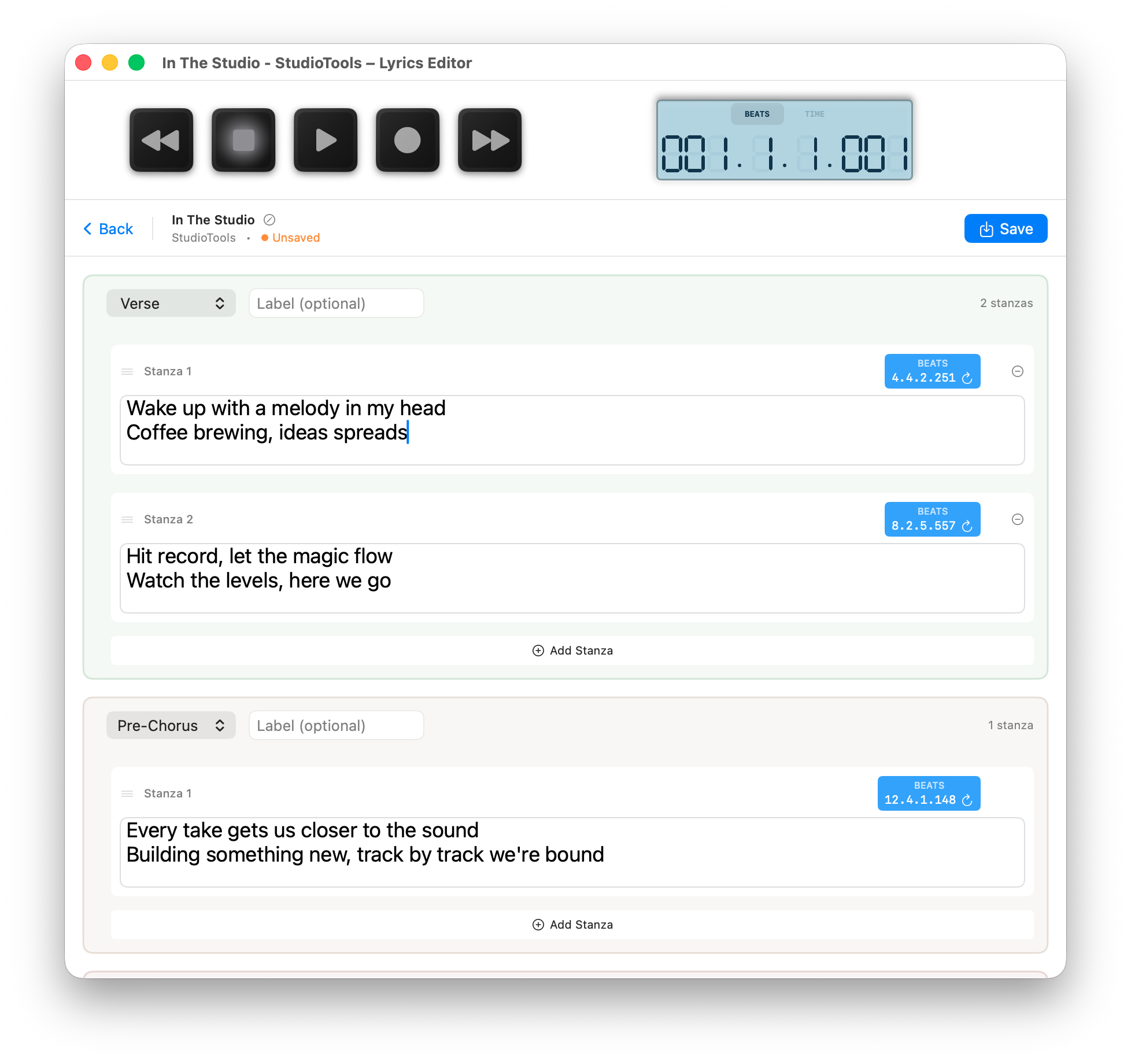
Create timestamped lyrics with section support. Real-time active stanza tracking syncs perfectly with your DAW playback.
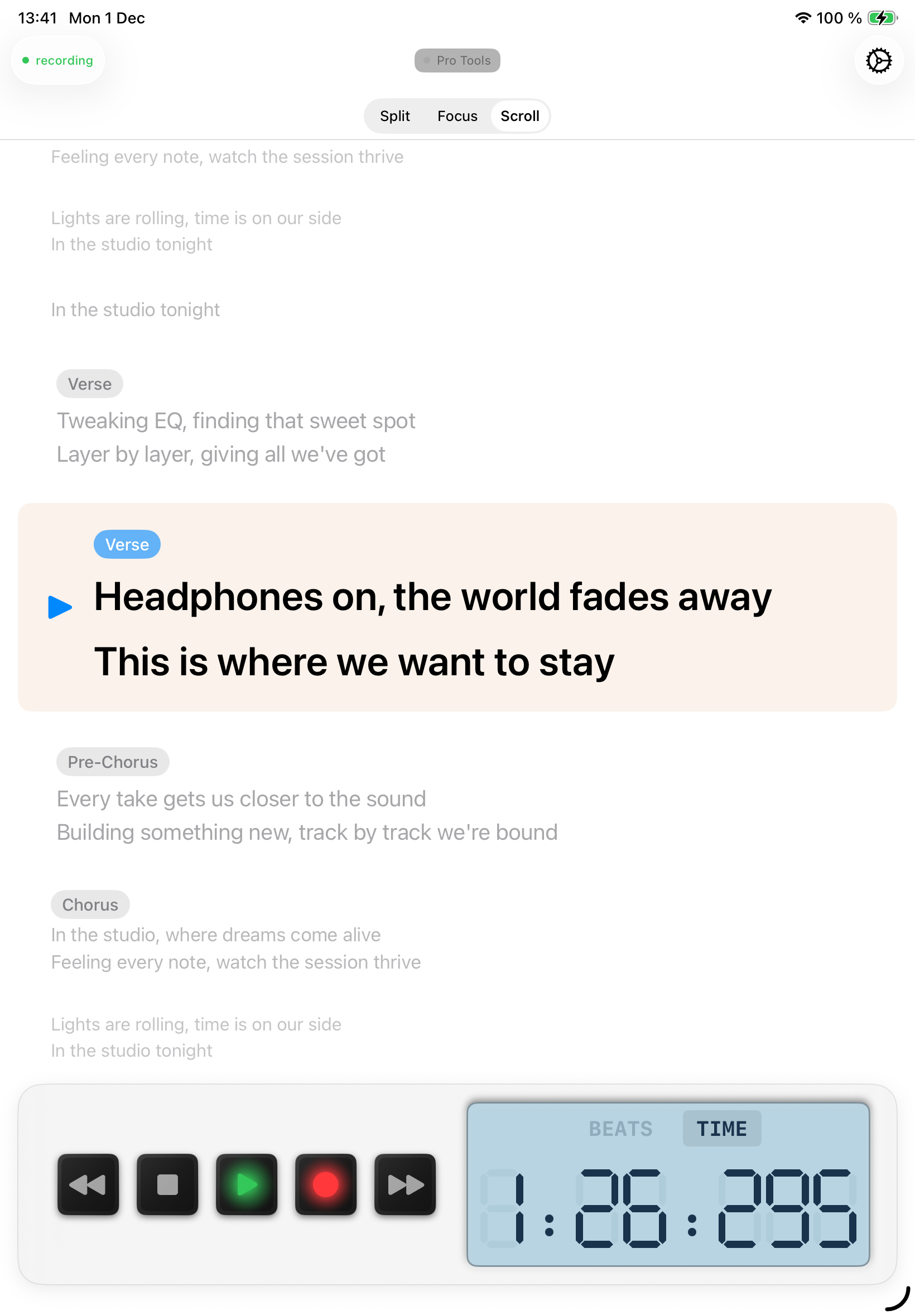
Remote DAW control and lyrics teleprompter for iPhone/iPad. Three display modes: Scroll, Split, and Focus. Learn more →
Modern card-based interface with instant validation. Advanced JSON editor still available for power users.
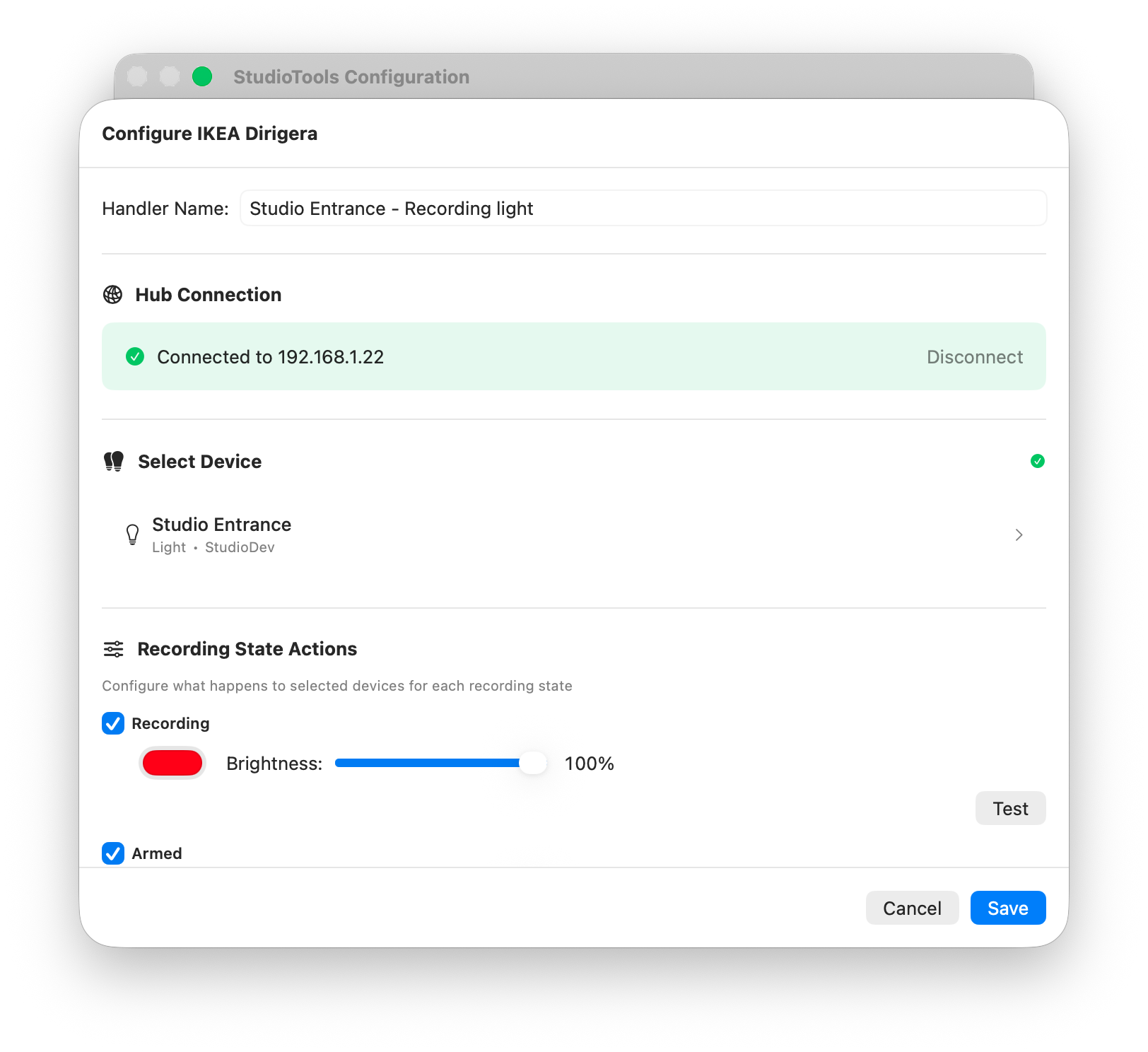
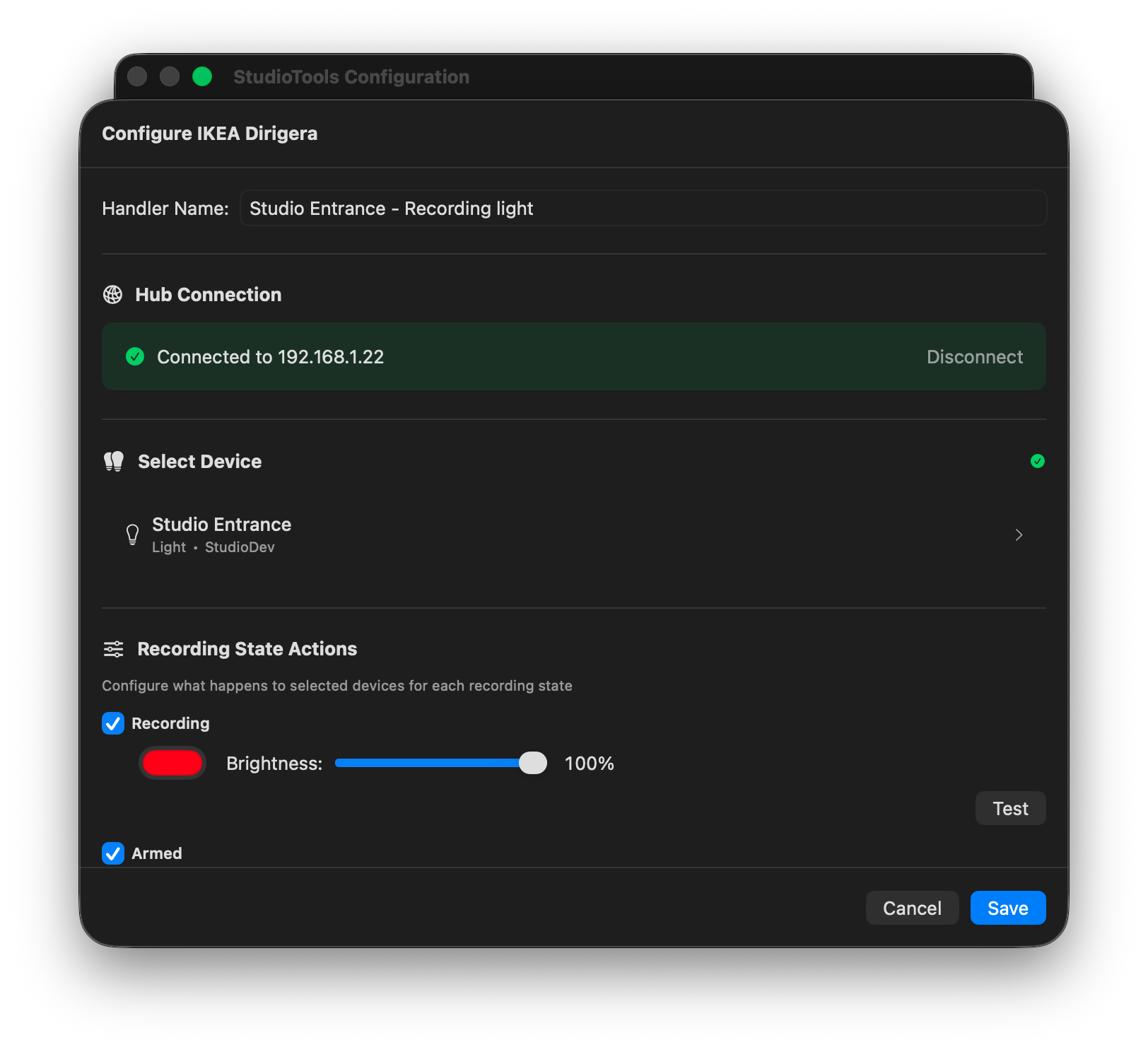
Automatic bridge discovery, API key generation, per-state color, brightness & dynamic capability detection.
Native Trådfri & Dirigera integration — no cloud relay or external scripts required.
Start/stop camera recording exactly when your DAW records. Timestamped file naming.
Broadcast state changes or trigger remote automations in Home Assistant, Node-RED, custom services.
Shell and AppleScript execution on state transitions. Extend without plugins.
Optimized for macOS — minimal CPU footprint and no unnecessary background daemons.
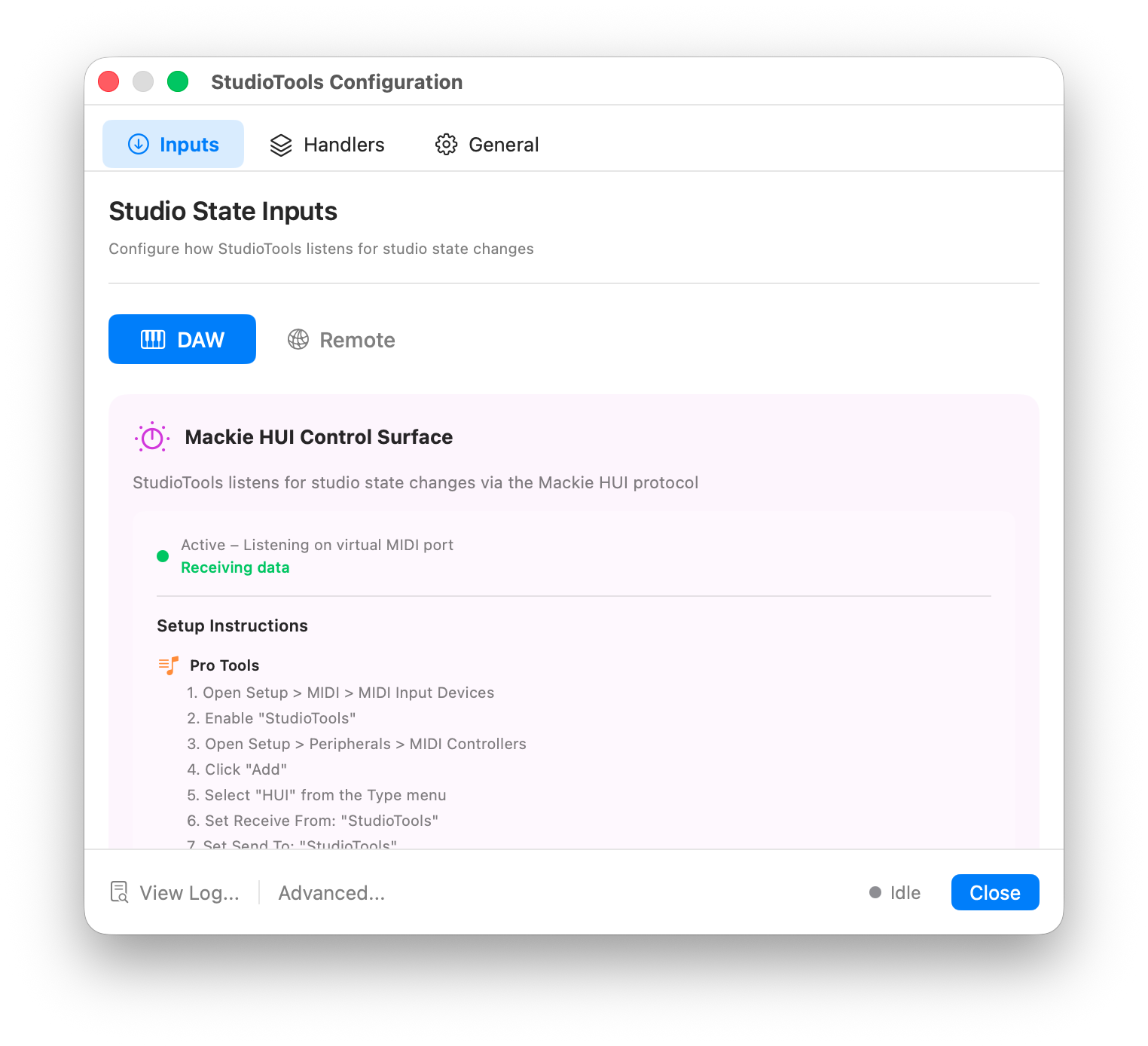
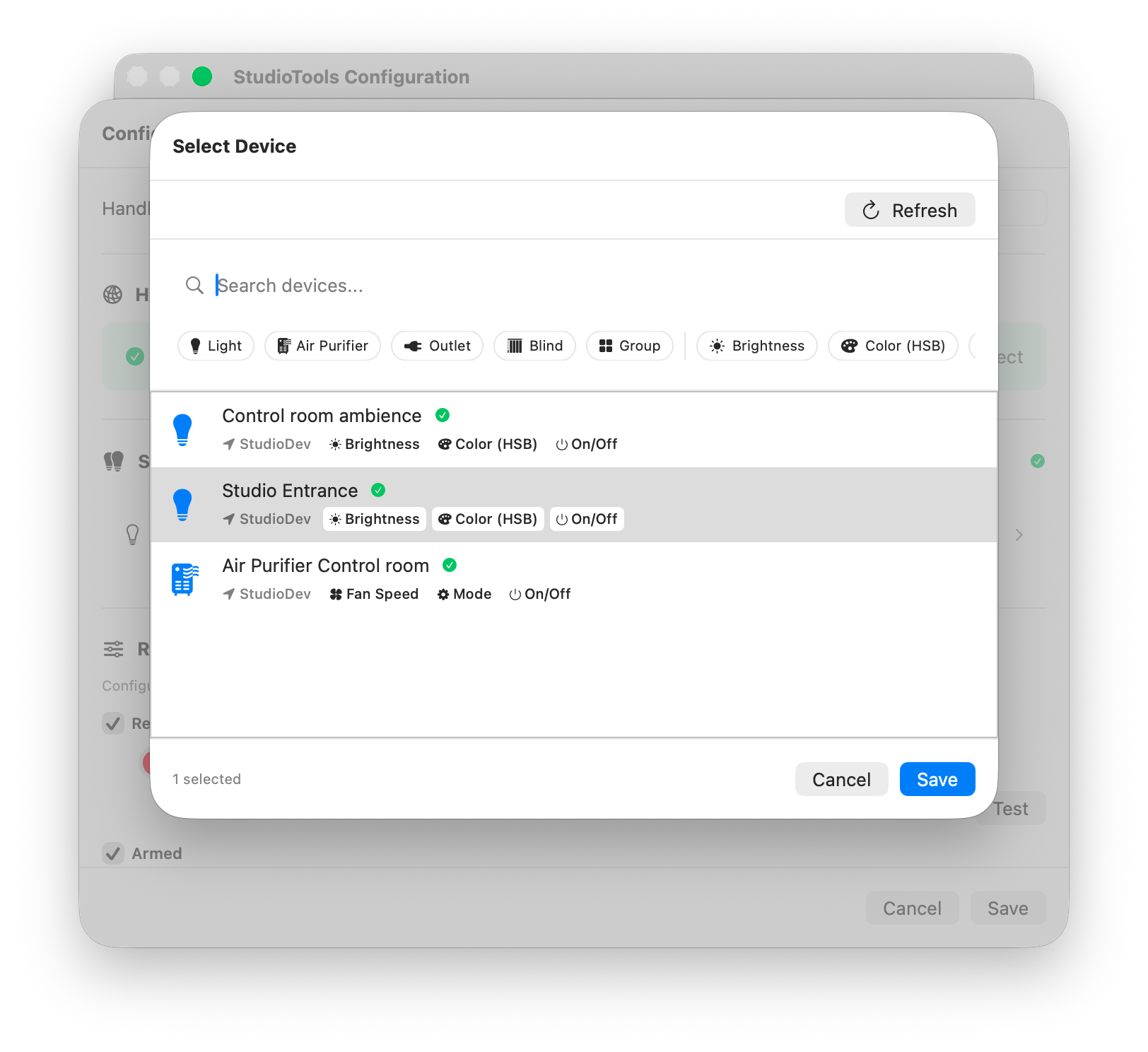
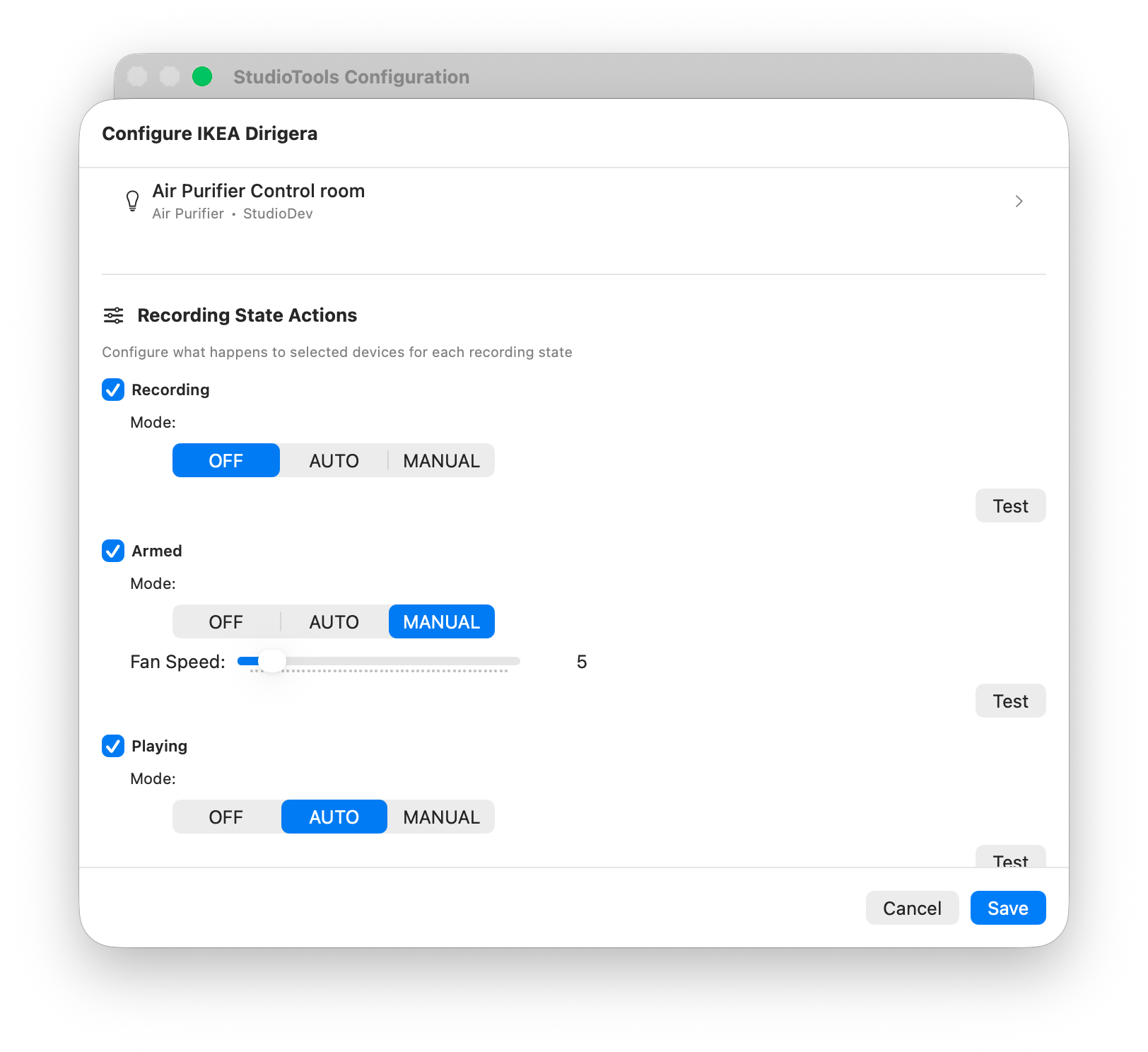
A glimpse of StudioTools in action. These UI captures show how handlers and DAW input listening are configured using the visual interface.
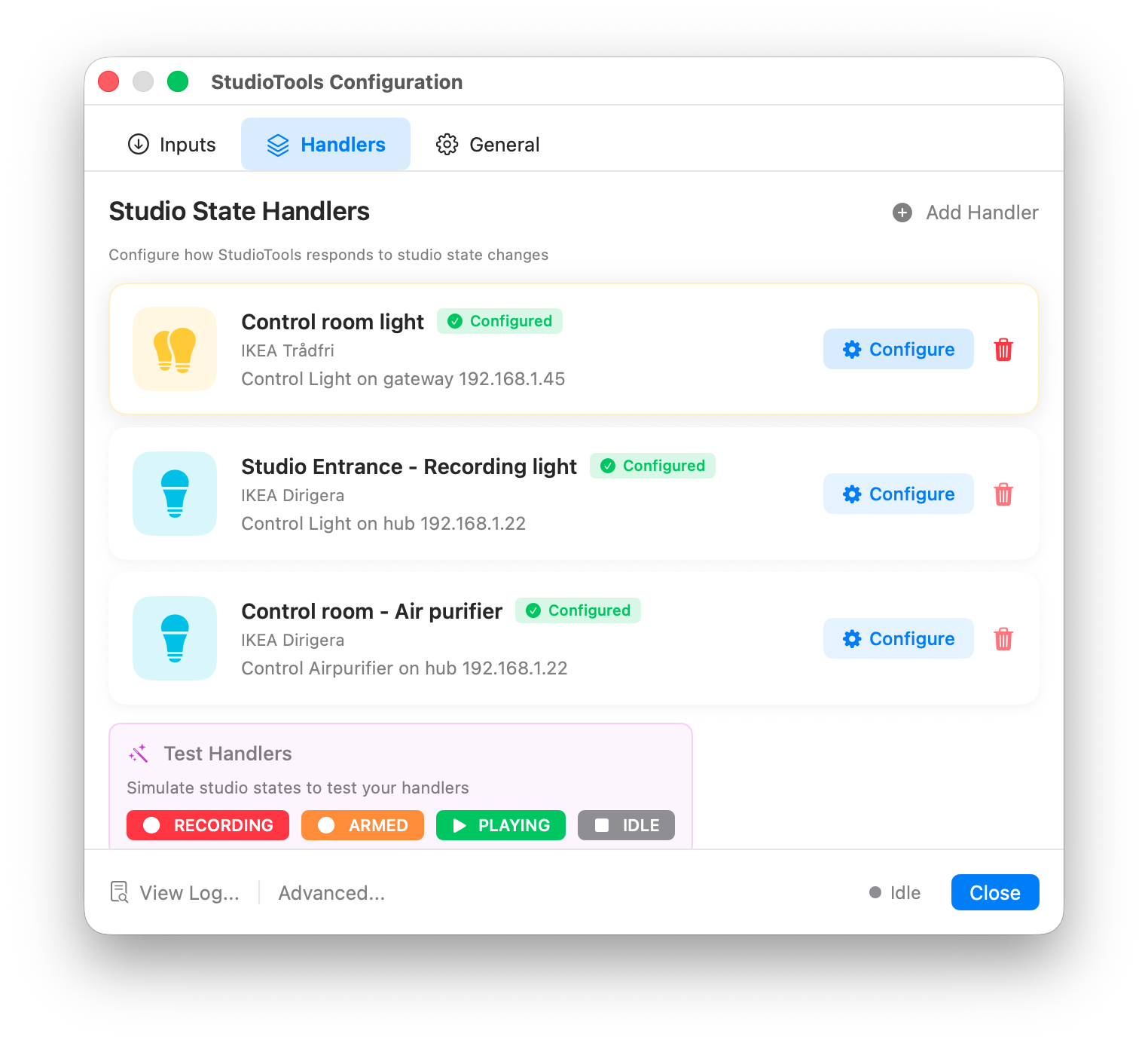
Light scenes, air quality devices, recording indicators — unify them behind one automation layer. StudioTools speaks multiple protocols directly, avoiding brittle chains.
Automatically adapts UI to RGB, temperature-only or dim-only lights.
Add more handlers without re-entering gateway secrets or bridge keys.
Different actions across multiple ecosystems for a single DAW state.
Architecture supports adding new ecosystems with minimal friction.
Whether you run a compact writing setup or a full production room, StudioTools scales from simple light cues to complex multi-service triggers.
Debounced, reliable DAW state interpretation (Recording / Armed / Playing / Idle).
Executes scripts safely from a designated application scripts directory.
Change configuration and apply instantly without restarting automation stack.
Integrated log viewer surfaces real-time action trace & diagnostics.
Not limited to a single light protocol. One purchase delivers broad automation coverage.
| Dimension | StudioTools | Typical Light-Only Tool |
|---|---|---|
| Distribution | Mac App Store (signed, auto-updated) | Manual ZIP download |
| Lighting Ecosystems | Philips Hue, IKEA Trådfri, Dirigera | Usually Hue bridge only |
| Lyrics Editor | Timestamped lyrics with iOS teleprompter | Not included |
| iOS Companion | Remote control & lyrics display | Not included |
| Video Recording | Integrated DAW-synced capture | Not included |
| Automation Channels | WebHook, MQTT, Scripts | None or limited |
| Configuration | Visual UI + Advanced JSON | Basic or single-function panels |
| Extensibility | Scriptable triggers | Rarely exposed |
| Privacy Model | Local-only processing | Varies |
StudioTools is a one-time App Store purchase offering more capability than single-purpose light sync utilities. No subscription. No forced cloud account.
Own the current feature set and receive ongoing optimizations.
Lighting + video + automation + ecosystem breadth.
Additional integrations and features planned.
No trial lockouts or hidden recurring billing.
We treat your creative space with respect. All processing is local, and only explicitly configured network endpoints are contacted.
No background cloud dependency or telemetry beacons.
Camera / microphone / screen access requested only when needed.
Configuration stored in user defaults JSON, scripts isolated.
Actions visible in integrated viewer for audit & troubleshooting.
Install StudioTools from the Mac App Store and unify light, video & workflow automation today.
Get StudioTools